

How To Get $HYPE for gas using Jumper Exchange
In order to use Liquidbots on Hyperliquid you're going to need some $HYPE for gas. The easiest way to do this is to use jumper.exchange. This will allow you to bridge almost any asset from chains that you're currently working on into $HYPE on Hyper-EVM so that you've got gas for your transactions on liquid bots.
1. Head to jumper.exchange. And then connect your wallet. I'm going use Rabby.io in this example.

2. Select your wallet from the list (Rabby in this example)

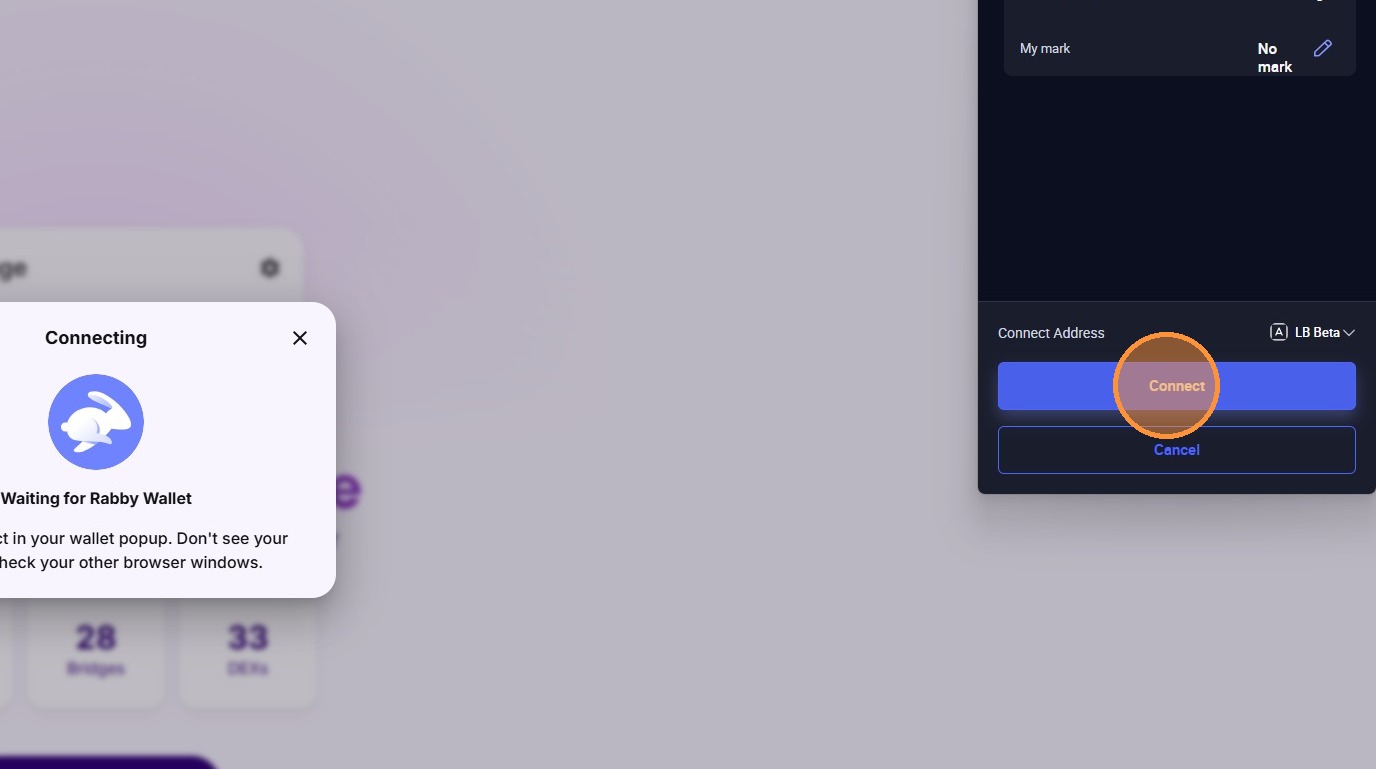
3. In your Rabby wallet, click connect when prompted.
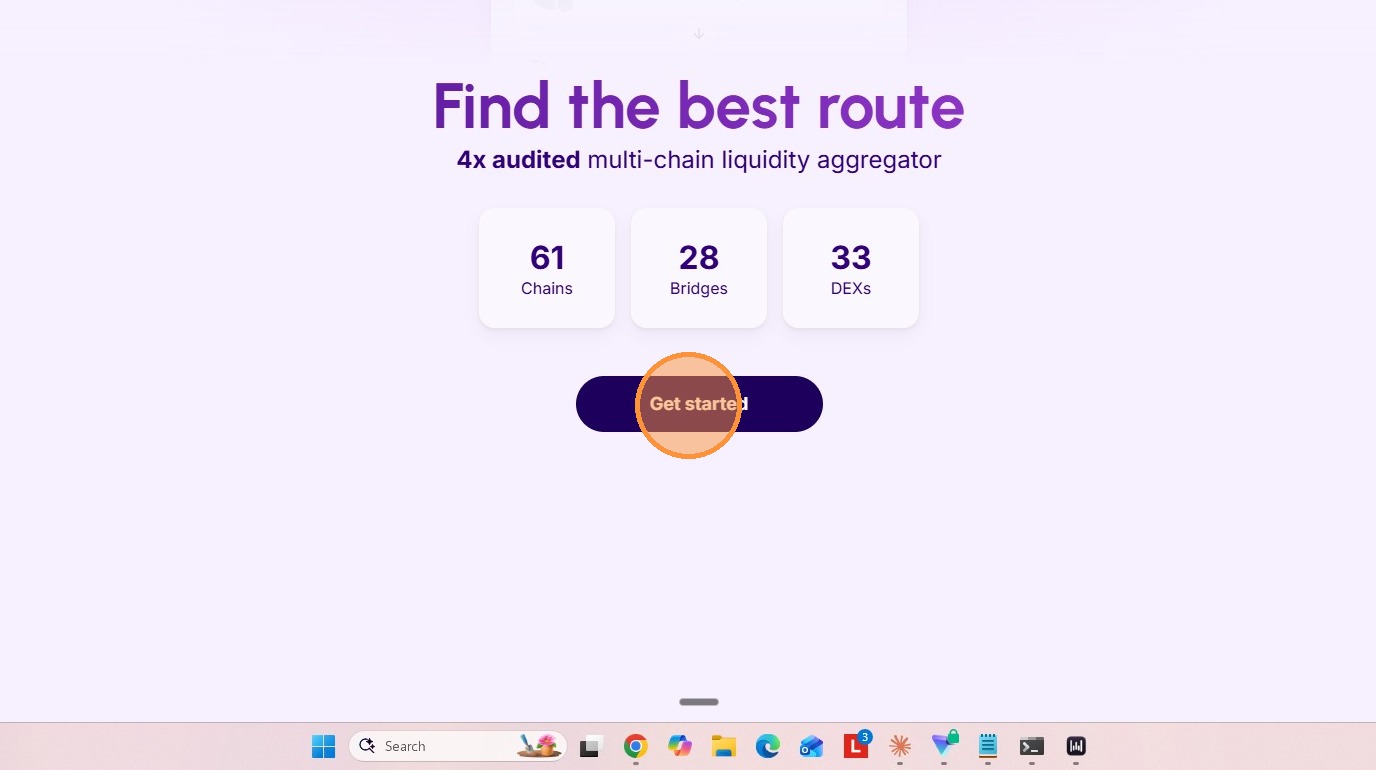
4. Click "Get Started"
5. Select the chain and asset that you want to bridge from. In this example I'm going to use USDC on the Arbitrum Network.

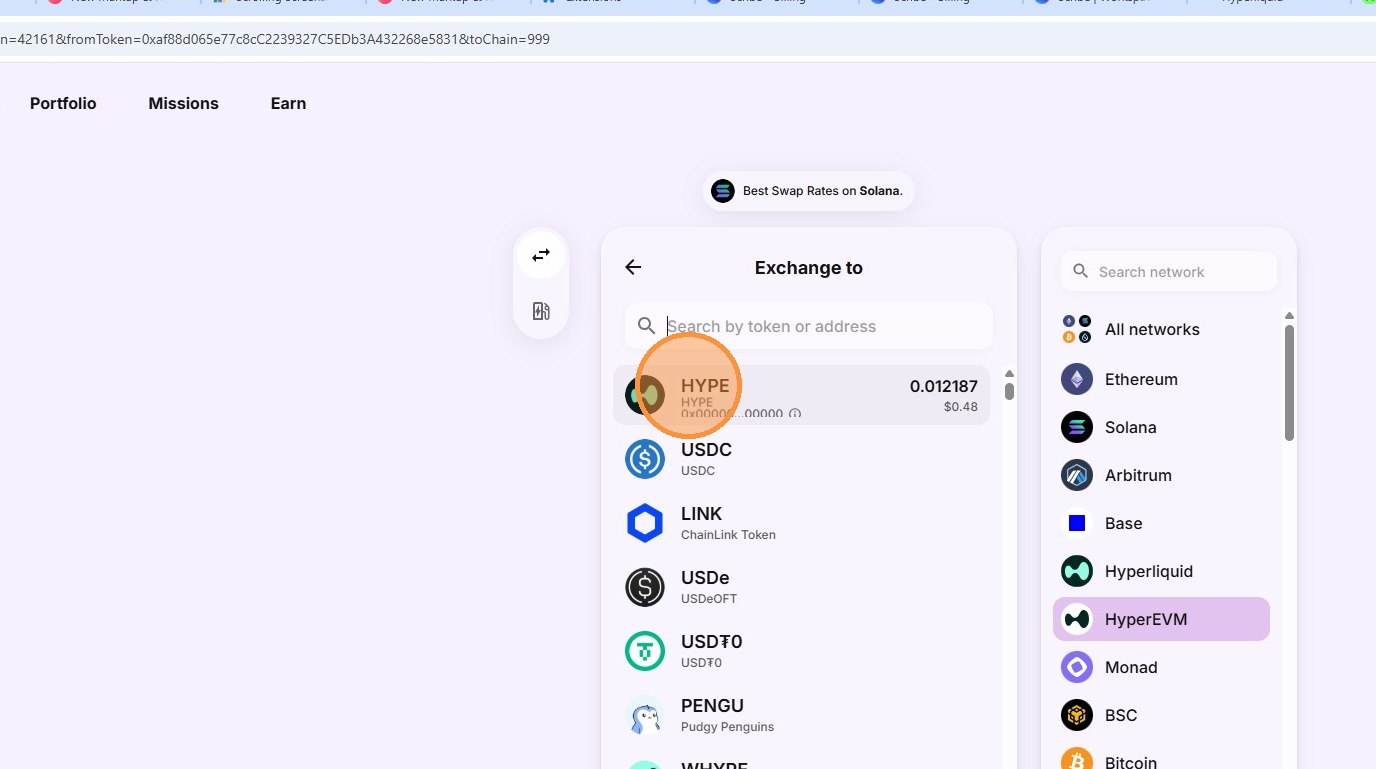
6. Select what you're exchanging to and so we need HYPE on HyperEVM.
7. Input the amount of USDC that you want to convert to $HYPE. You only need a small amount for gas. A few dollars will last you a long time.
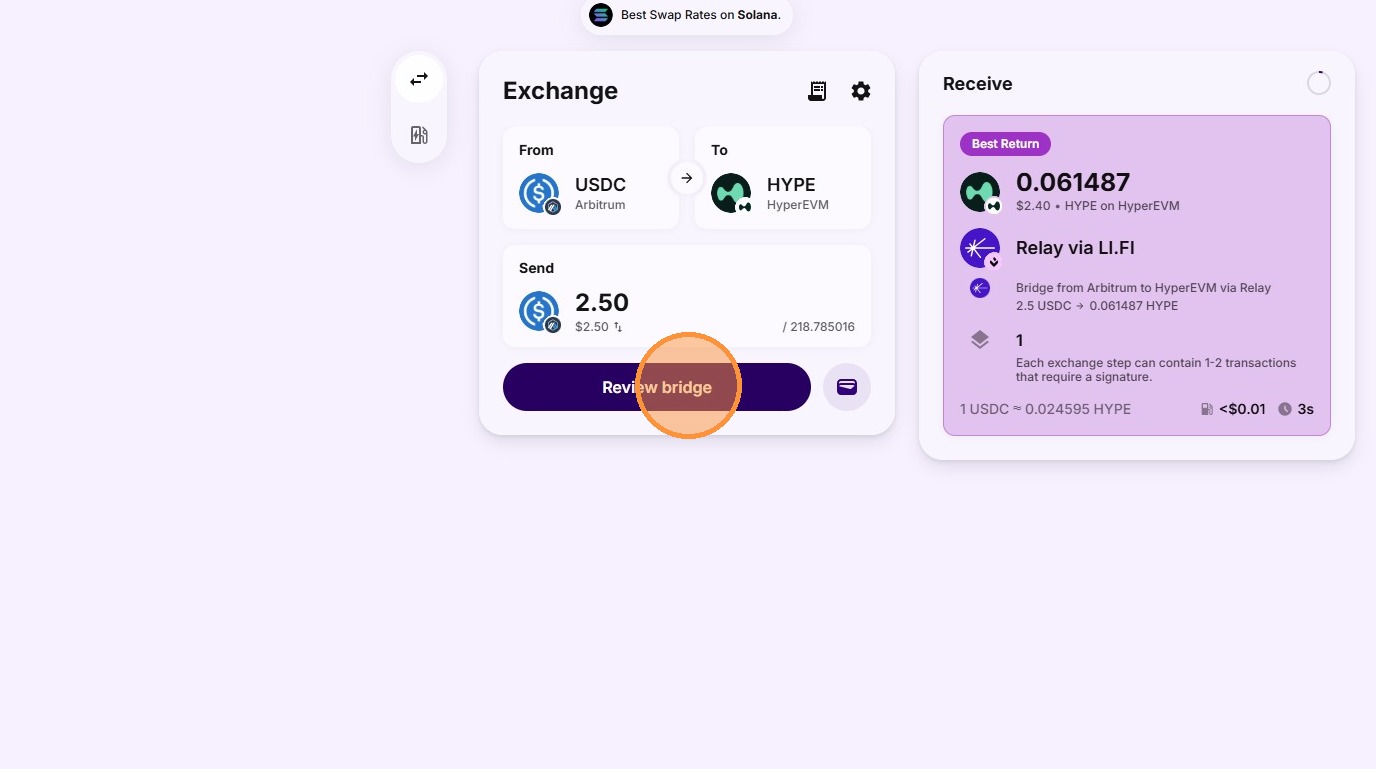
8. Click "Start bridging"

9. Your Rabby wallet will then ask you to approve and sign the transaction. Follow the process on Rabby.

10. Once the bridge is completed you'll get a message to say "bridge successful" and you can hit done. You can then go and double check in your Rabby wallet that you can now see that you have $HYPE token.
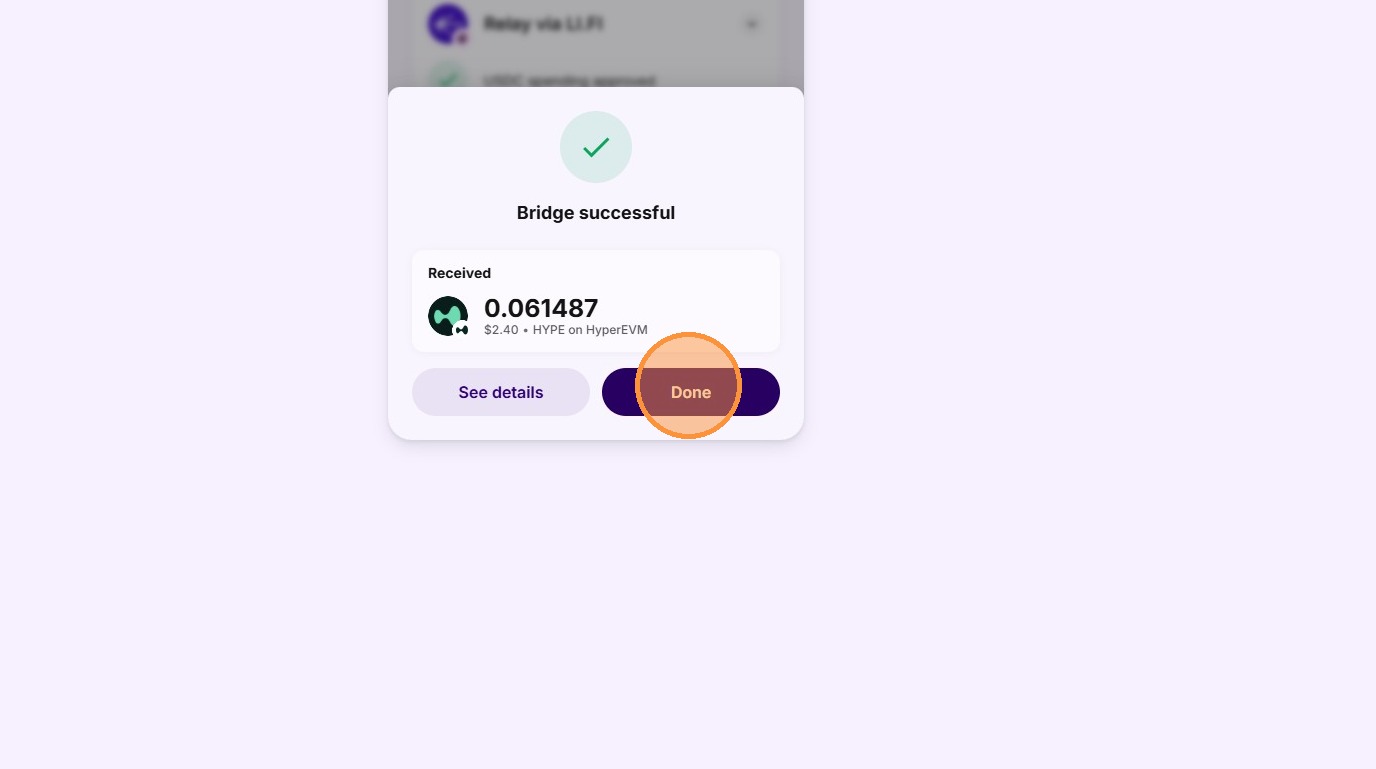
You now have $HYPE ready for GAS when using Liquidbots on Hyperliquid.
Last updated